Plan the story
Start with a guided shot plan or build every scene yourself.
Create repeatable characters, direct every shot, generate clips, and assemble a complete social video without stitching together five different tools.
Already have an account? Log in to Scenevera
No card required. Welcome credits expire 30 days after signup. Failed technical generations are refunded automatically.
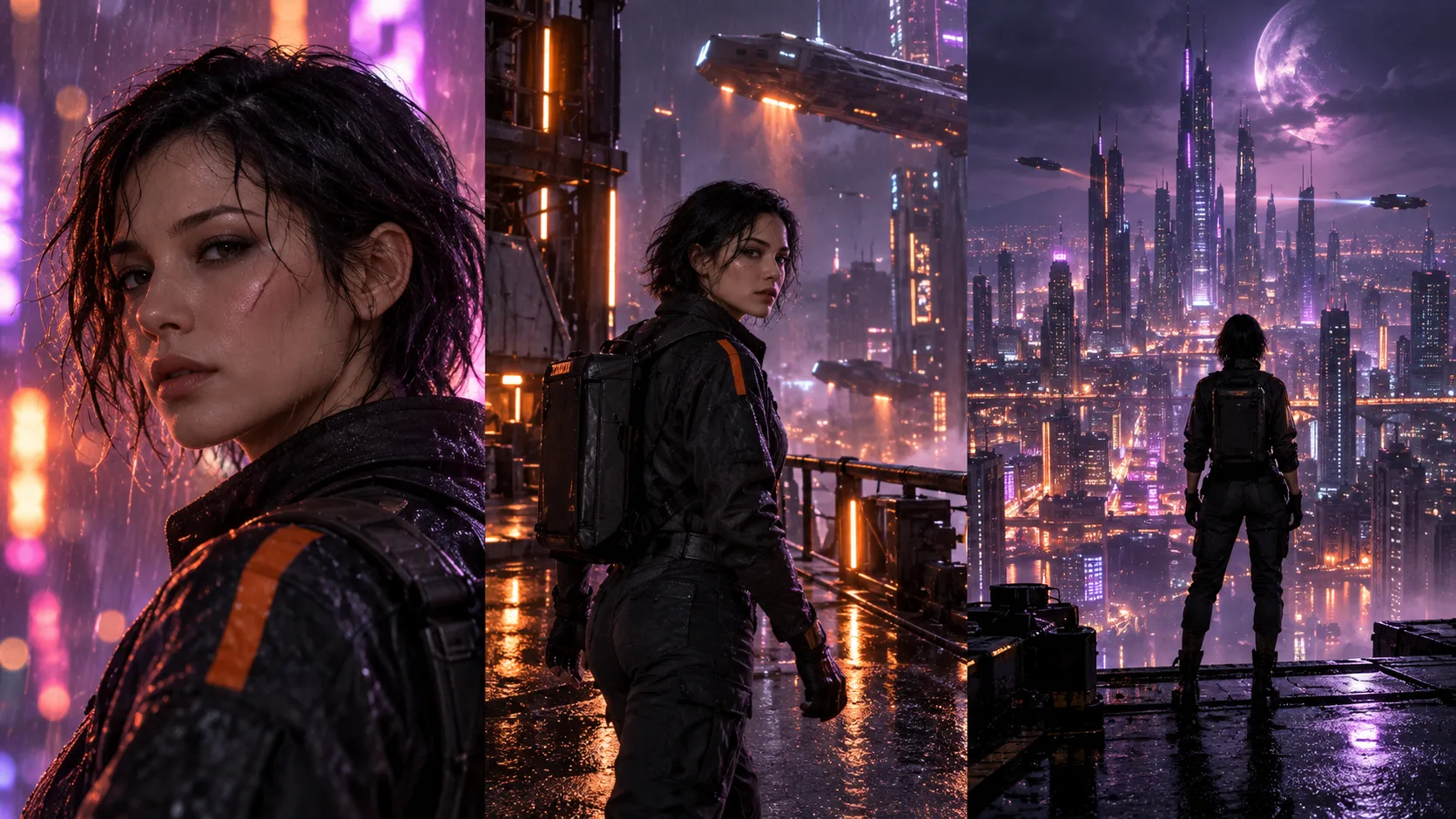
THREE SCENES · ONE CHARACTER
Plan the sequence, preserve the look, finish the cut.
3 free credits to start · valid 30 days
Automatic refunds on technical failures
One workspace from shot plan to MP4
ONE WORKFLOW
Start with a guided shot plan or build every scene yourself.
Reuse saved characters and references across each shot.
Trim clips, add captions and audio, then export one MP4.
SEE SCENEVERA IN ACTION
Watch the complete workflow—from guided planning and reusable characters to captions, audio, and final export.
Ready to build your first complete video?
Start with 3 free credits. No card required. Welcome credits expire after 30 days.
THE COMPLETE CREATOR WORKSPACE
Scenevera is built for creators making connected videos—not isolated clips that disappear into a download folder.
Save visual references and bring the same character into future scenes.
Turn one idea into an ordered scene plan with editable prompts and timing.
Direct each generation with an image, aspect ratio, duration, and motion prompt.
Reorder scenes, trim clips, and preview the full sequence before exporting.
Add multiple captions to each clip and control when and where they appear.
Mix voiceover and music with volume, trim, loop, and fade controls.
BUILT FOR REAL PROJECTS
Create vertical shorts, character stories, product concepts, episodic content, and cinematic sequences with a workflow designed to keep every shot organized.
Start a projectPlan hooks, beats, captions, and vertical exports.
Reuse the same cast across scenes and episodes.
Build clear problem, solution, and payoff sequences.
Develop a visual idea from keyframe to finished cut.
EXPLORE THE WORKFLOW
Practical guides for planning, generating, and keeping connected AI video scenes visually consistent.
Reuse visual references to keep one character recognizable from shot to shot.
Turn a still reference into directed motion and place it into a larger edit.
Break one concept into an organized sequence before spending generation credits.
SCENEVERA RESOURCES
Practical, step-by-step guidance for planning stronger scenes, directing image-to-video motion, and keeping characters recognizable.
Control references, prompts, shot changes, and editing decisions across an entire sequence.
Read the guideChoose a strong source image, direct focused motion, review the complete clip, and build a usable sequence.
Read the guideGive every shot a purpose and plan framing, motion, duration, references, and transitions before generation.
Read the guideSIMPLE PRICING
Unused subscription credits roll over up to twice your monthly allowance. Add credit packs whenever you need them.
How credits work: 1 credit creates one 5-second video. A 10-second video uses 2 credits.
Creator
$12.99 / month
15 credits · For getting started
Credits roll over up to 2×
Add credit packs anytime
Automatic failure refunds
Pro
$24.99 / month
35 credits · For regular creators
Credits roll over up to 2×
Add credit packs anytime
Automatic failure refunds
Studio
$49.99 / month
80 credits · For higher-volume work
Credits roll over up to 2×
Add credit packs anytime
Automatic failure refunds
Start with 3 free credits. No card required. Welcome credits expire after 30 days.
PREFER TO PAY ONCE?
Make up to ten 5-second videos or five 10-second videos. Purchased credits do not expire while your account remains available.
COMMON QUESTIONS
Scenevera combines character references, scene planning, generation history, project files, timeline editing, captions, audio, and MP4 export in one workflow.
Technical failures automatically return the credits charged for that generation.
Subscription credits roll over up to twice the monthly plan allowance. The 3 welcome credits expire 30 days after signup; purchased credit packs do not expire while your account remains available.
Yes. Scenevera supports vertical 9:16, landscape 16:9, and square 1:1 projects.
Start with 3 welcome credits. No card required. Credits expire after 30 days.